
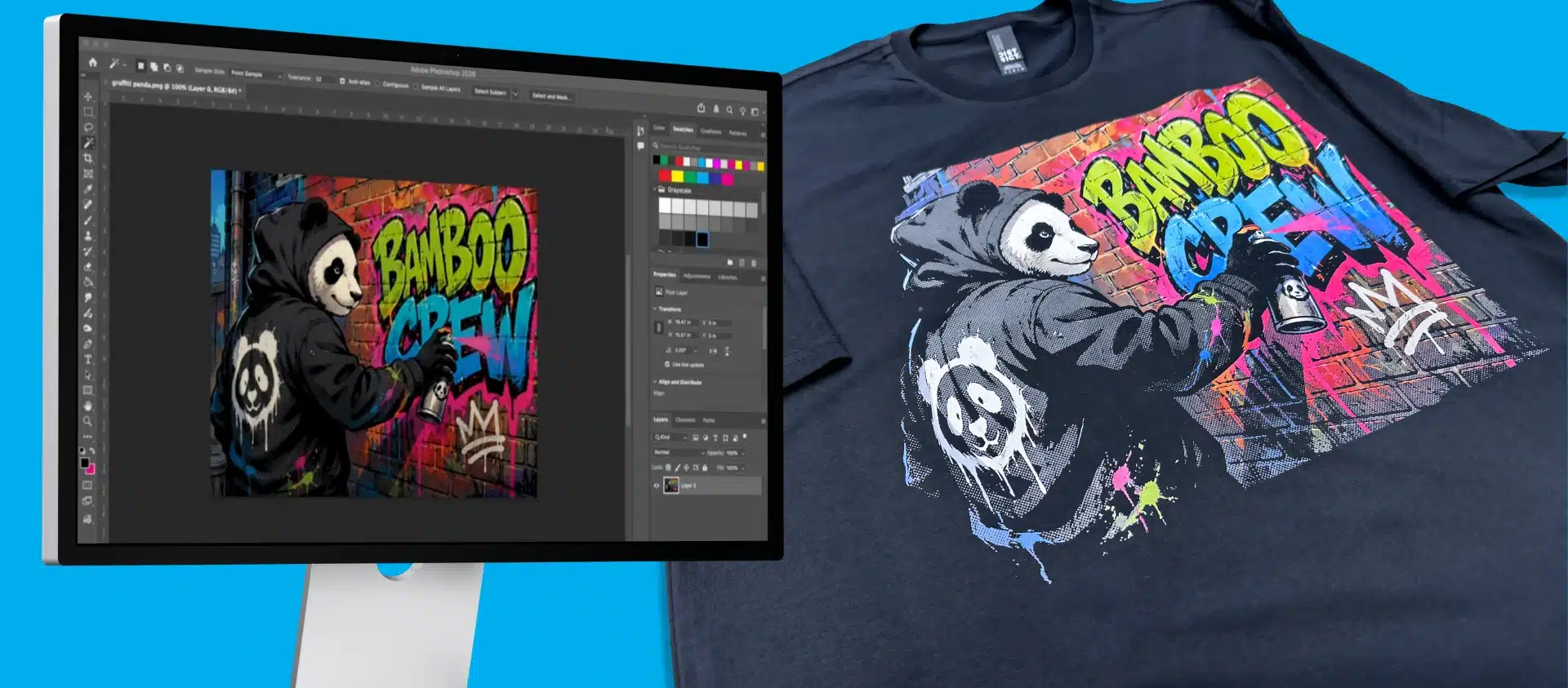
If you’re struggling with gradients, banding, or color transitions in DTF printing, learning how to create halftone effects in Photoshop for DTF printing can dramatically improve your results.
At ColDesi, we specialize not only in DTF equipment but also in the technology and techniques that help customers produce professional-quality prints. One of the most important of those techniques is using halftones correctly.
Watch the full step-by-step tutorial below to see exactly how to create halftone effects in Photoshop for DTF printing and apply these techniques to your own designs.
Want to see the full process from start to finish? Watch the video tutorial for a step-by-step walkthrough on how to halftone DTF transfers in Photoshop.
What Are Halftone Effects in Photoshop for DTF Printing?
Halftone effects convert gradients into patterns of dots that vary in size and spacing. Instead of relying on smooth color transitions, which can cause issues in printing, halftones make designs more print-friendly and consistent.
For DTF printing, halftones help:
- Eliminate banding in gradients
- Improve ink control and distribution
- Maintain detail in shadows and fades
- Create clean, professional transfers
At ColDesi, halftoning is a key part of optimizing artwork for our DTF printers, inks, and films.
Why Halftone Effects Are Important for DTF Printing
- Rough gradients
- Uneven color blending
- Loss of detail
These problems often come from artwork not being properly prepared for print. Using halftone effects in Photoshop for DTF printing solves this by translating gradients into a format your printer can reproduce more accurately.
When to Use Halftones in DTF Printing
Use halftone effects when working with:
- Gradients and fades
- Photographic images
- Shadows and depth
- Transparency effects
Best Photoshop Halftone Settings for DTF Printing
- Use larger dot sizes for better transfer reliability
- Test multiple variations before production
- Adjust based on fabric and film type
Common DTF Printing Problems Halftones Fix
Using halftone effects in Photoshop can help fix:
- Banding in gradients
- Muddy or uneven prints
- Loss of detail in shadows
- Poor color transitions
Why ColDesi Is the Expert in DTF Printing Technology
At ColDesi, we don’t just sell equipment; we help customers succeed with it.
We provide:
- Expert training (online and in-person)
- Hands-on onboarding support
- U.S.-based technical assistance
- Educational resources, videos, and guides
Mastering Halftone Effects for DTF Printing
Learning how to create halftone effects in Photoshop for DTF printing is one of the most effective ways to improve your print quality.
By using halftones, you can:
- Achieve smoother gradients
- Improve consistency
- Produce more professional results