
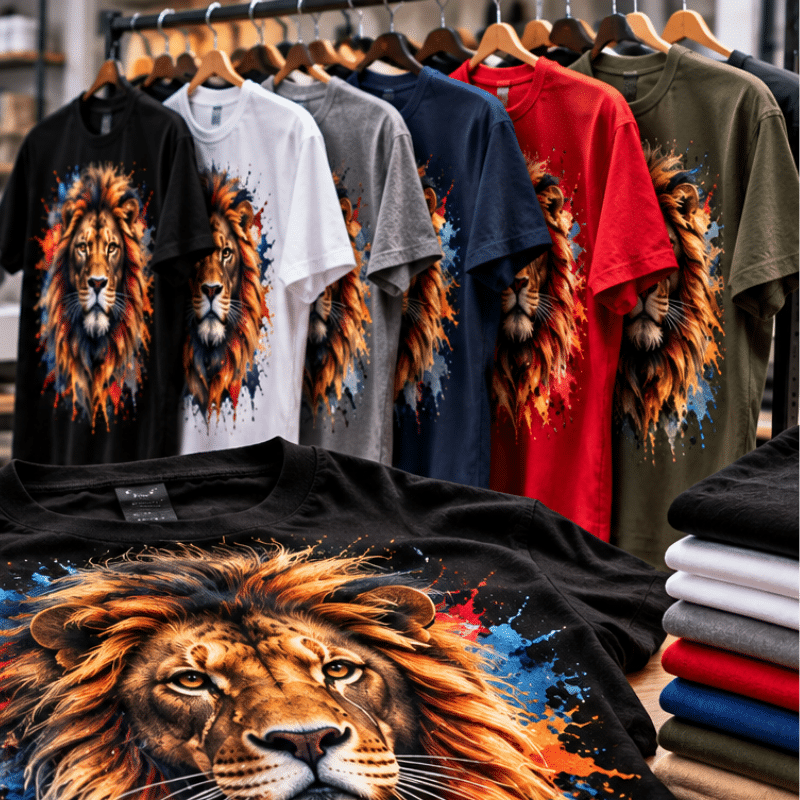
A design can look perfect on a computer screen and still produce disappointing results when printed on a T-shirt. Here’s why understanding graphic design for print is essential for today’s customization industry.
Graphic designers are trained to create visually appealing artwork. They understand typography, color, composition, branding, and how to communicate messages through design.
But there’s an important skill that not every graphic designer develops: understanding how artwork translates from a digital screen to a physically printed product.
In the customization industry, that difference matters.
A logo that looks sharp on a website might appear pixelated when printed across the front of a shirt. A vibrant color combination might look different when transferred onto fabric. A detailed illustration that looks incredible on a monitor might require adjustments before it can be successfully reproduced through DTF printing.
These challenges are common in businesses producing custom apparel, promotional products, and branded merchandise.
At ColDesi, we understand that professional print quality begins long before artwork reaches the printer. It starts with the design file itself.
Learning the principles of graphic design for print helps designers create artwork that not only looks great digitally but also produces consistent, professional results when printed.
What Is Graphic Design for Print?
Graphic design for print is the process of creating and preparing artwork specifically for physical reproduction.
Unlike digital graphics, which are displayed on computer monitors, smartphones, and websites, print graphics must be reproduced using physical materials such as ink, toner, transfer film, or printing screens.
In the customization industry, print design involves understanding how artwork will interact with:
- Different printing technologies, including DTF and screen printing
- Fabric colors, textures, and materials
- Image resolution and physical print dimensions
- Color reproduction and ink limitations
- Fine details, gradients, and typography
- Production software and file requirements
A print-ready design isn’t simply a graphic that can be opened in printing software. It’s a file that has been properly prepared for the intended printing process.
The goal is to create artwork that reproduces accurately, consistently, and efficiently in production.
This distinction is particularly important for graphic designers working with custom apparel businesses, screen printing shops, and commercial DTF printing operations.

Designing for Digital vs. Designing for Print: What's the Difference?
Digital design and print design share many creative principles, but their technical requirements can be hugely different.
Digital artwork is primarily created for viewing on screens. Print artwork must be prepared for physical reproduction at a specific size, using a particular printing process.
Design Consideration | Digital Design | Print Design |
Primary purpose | Websites, social media, digital advertising | Apparel, transfers, signage, merchandise |
Resolution | Based on display pixel dimensions | Based on pixel density at final print size |
Color | RGB screen display | Process-specific color management and ink reproduction |
File formats | JPG, PNG, SVG, WebP | AI, EPS, PDF, high-resolution PNG, TIFF, and others |
Scaling | Often displayed at different screen sizes | Must keep detail at physical output size |
Transparency | Used for digital layering and effects | May affect white ink, underbase, and printed edges |
Production requirements | Optimized for screen display | Prepared for a specific printing process |
For example, a graphic designer might create a 1,000-pixel-wide image for a company’s website. On a computer screen, that image could look excellent.
However, if a customization business wants to print the same image 12 inches wide on a t-shirt, the artwork may not have enough information to reproduce sharp details. The design hasn’t changed creatively. But its technical suitability for printing has. This is why understanding print production is an essential skill for graphic designers working in the customization industry.
Why Image Resolution Matters in Graphic Design for Print
One of the most common causes of poor print quality is low-resolution artwork.
Raster images are made from individual pixels. When an image is enlarged, those pixels must cover a greater physical area. If the original artwork doesn’t have enough pixels, the finished print may appear blurry, jagged, or pixelated.
Understanding 300 PPI for Printing
For many DTF printing applications, creating raster artwork at approximately 300 pixels per inch (PPI) at its final print size is a recommended starting point.
PPI describes the pixel density of an image. DPI technically describes the dots produced by a printer, although the terms are often used interchangeably in artwork instructions.
Consider a design intended to print 12 inches wide.
At 300 PPI, the artwork should have approximately 3,600 pixels across its width.
Now imagine receiving a customer logo that is only 600 pixels wide.
At 12 inches, that image holds just 50 pixels per inch.
The printer cannot reproduce fine details that aren’t present in the original file.

Example: A Customer Logo That Looks Good Online
A customer emails a screen printing or DTF business a logo downloaded from their website. The logo looks professional on the screen. The customer requests that it be printed 12 inches wide across the front of 100 shirts.
When the graphic designer enlarges the image, the edges become jagged, the text becomes soft, and the details lose definition. Printing the file without correcting it could result in 100 shirts with poor-quality graphics. The solution: Request the original vector artwork or recreate the logo as a high-quality, print-ready file.
For a deeper explanation of how resolution affects DTF transfers, read ColDesi’s “DTF Artwork Resolution Explained: Why Your Prints Look Blurry (and How to Fix It).”
Vector vs. Raster Artwork: Which Is Better for Printing?
Understanding the difference between vector and raster graphics is another essential part of designing for print.
Vector Graphics
Vector artwork uses mathematical paths to create shapes, curves, and lines. Because vectors are not dependent on a fixed number of pixels, they can be resized without losing their sharpness.
Common vector formats include:
- Adobe Illustrator (AI)
- EPS
- SVG
- Vector-based PDF files
Vector graphics are especially useful for company logos, lettering, and illustrations that need to be reproduced at multiple sizes.
For example, a business might want its logo printed on a small left-chest design and across the back of a hoodie.
A properly created vector logo can be scaled for both applications while keeping edges clean.
Raster Graphics
Raster artwork consists of pixels.
Common raster formats include:
- PNG
- JPG
- TIFF
- PSD
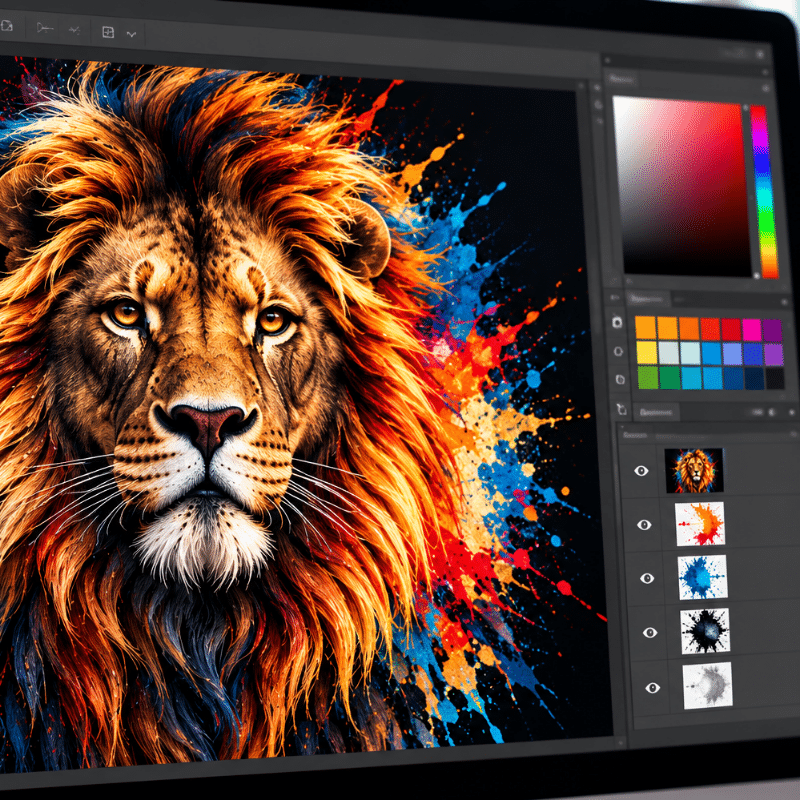
Raster images work well for photographs, detailed illustrations, and artwork containing complex textures or shading.
However, raster images must have sufficient resolution for their intended print dimensions.
A high-resolution PNG can produce excellent DTF prints. A low-resolution PNG can produce poor results.
The file extension alone does not determine print quality.
It’s also important to understand that saving a low-resolution JPG as a PDF or PNG doesn’t automatically improve its resolution or convert it into vector artwork.
The underlying image information remains the same.
For designers working with commercial printers, keeping editable original files and properly prepared output files is one of the simplest ways to prevent production problems.
How Graphic Design Requirements Differ Between DTF Printing and Screen Printing
One of the most important lessons for graphic designers entering the customization industry is that not all printing processes reproduce artwork the same way.
DTF printing and traditional screen printing are excellent examples. Both can produce professional custom apparel, but they often require different approaches to artwork preparation.
Designing Artwork for DTF Printing
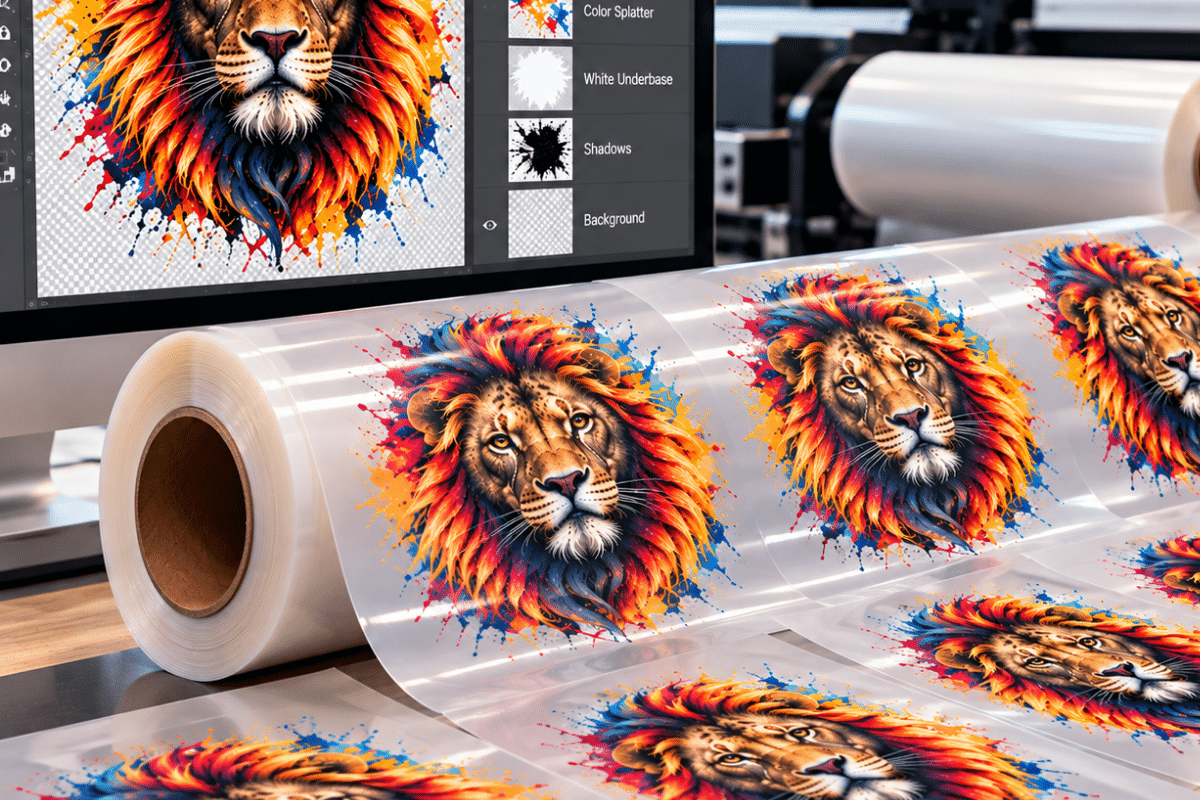
DTF printing uses digital printing technology to produce full-color designs on transfer film. The transfers are then applied to garments using heat and pressure.
DTF printing is particularly useful for detailed graphics, multicolor designs, and photographic artwork.
However, designers must consider several technical requirements.
Resolution: Raster artwork should generally be prepared at approximately 300 PPI at the final print size.
Transparency: Artwork should have a properly prepared transparent background when the application requires it. Unwanted background pixels can become visible in the finished transfer.
Fine details: Extremely thin lines, tiny text, and isolated design elements may not reproduce or transfer reliably.
White ink: DTF printing commonly uses a white ink underbase. Designers need to understand how transparent areas, soft edges, and gradients may affect white ink placement.
Color management: Artwork must be prepared according to the specific printer, RIP software, and production workflow.
For example, imagine a graphic designer creates an illustration with a soft, semi-transparent shadow behind the main design.
On a computer screen, the shadow looks natural.
During DTF production, however, those partially transparent pixels may interact with the white underbase and create an unwanted light-colored outline.
The designer may need to adjust the transparency, modify the artwork, or use the right RIP settings before printing.
These details show why DTF artwork preparation requires more than exporting a graphic and sending it to the printer.
ColDesi explains more production considerations in “6 Artwork Tips for Direct-to-Film Transfers.”
Designing Artwork for Screen Printing
Traditional screen printing uses screens to apply ink directly onto garments.
Depending on the design and production method, each printed color may require a separate screen.
This makes color separations, line thickness, trapping, registration, and halftones important considerations.
For example, a designer creates a six-color logo for a local business.
For DTF printing, that logo may be reproduced as a full-color transfer without preparing a separate physical screen for each color.

For traditional spot-color screen printing, the same design may require six separate color separations and screens, potentially along with an underbase.
The screen printer may also need to adjust the artwork to accommodate registration tolerances and the characteristics of the fabric.
Photographic images and gradients can be screen printed, but they often need halftone separations and more production ability.
A graphic designer who understands these requirements can create artwork that is easier to separate, register, and reproduce consistently.
The key takeaway: A design that is print-ready for DTF printing is not automatically production-ready for screen printing.
Understanding the printing method before preparing the artwork helps prevent unnecessary revisions and production delays.
For more information about the differences between these production methods, see ColDesi’s “DTF Printing vs. Traditional Screen Printing: What’s the Difference?”
Why Colors Look Different on Screens and Printed Apparel
Another common challenge in graphic design for print is color accuracy.
Computer screens use RGB (red, green, and blue) light to display colors.
Printing equipment uses physical inks and other colorants to reproduce artwork.
These methods create color differently.
RGB vs. CMYK
RGB is an additive color model used by digital displays.
CMYK is a subtractive color model commonly used in printing.
Because screens and printed materials have different color capabilities, not every color displayed on a monitor can be reproduced exactly with ink.
Highly saturated blues, greens, and fluorescent-looking colors can be particularly challenging.
However, an important distinction for DTF designers is that not every printing workflow requires artwork to be converted to CMYK before printing.

Some DTF RIP workflows accept RGB artwork and manage the conversion internally. Other production environments have different file requirements. The correct approach is to follow the artwork specifications provided for the printer and workflow.
Example: A Bright Logo Prints Differently Than Expected
A designer creates a company logo using a vibrant blue that looks exceptional on a monitor. The design is approved by the customer. After printing, the blue appears less vibrant than expected.
Several factors could contribute to the difference, including the printer’s available color gamut, color profiles, ink configuration, garment color, and the screen used for approval. The designer should avoid assuming the file’s color values will look identical on every output device. Instead, they should work with the print provider to set up proper color settings and approve a physical sample when color accuracy is critical. For customization businesses producing branded merchandise, this can be especially important when matching established corporate colors.
How Poor Graphic Design Files Affect Print Quality and Production Costs
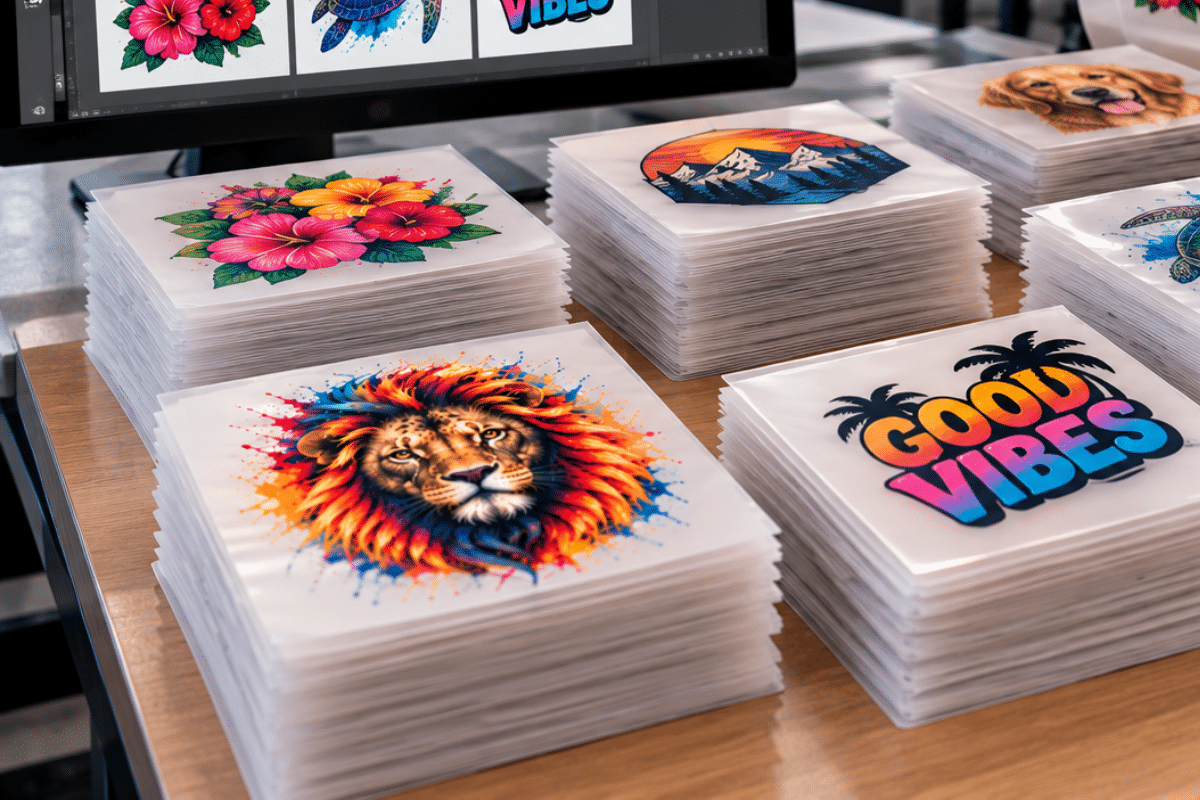
Poor artwork doesn’t simply create an unattractive print. It can also affect production efficiency and profitability. Consider a customization business producing a 250-shirt order. The customer supplies artwork that looks acceptable on screen, but the file has low-resolution elements and unwanted background pixels. The production team doesn’t identify the problems until the first transfers are printed.
Now the business must stop production, correct the artwork, prepare new files, and reprint the affected transfers. The resulting costs may include wasted ink, film, adhesive powder, employee time, and delayed production. In larger operations, artwork problems can become especially disruptive when printers and finishing equipment are scheduled to run continuously.
Common Artwork Problems and Their Effects
Artwork Problem | Possible Production Result |
Low-resolution graphics | Blurry images and jagged edges |
Incorrect print dimensions | Designs that are too large or too small |
Unwanted background pixels | Visible boxes or halos around graphics |
Inappropriate color settings | Unexpected, printed colors |
Extremely thin lines | Missing or inconsistent details |
Poor screen-printing separations | Registration issues and unwanted color overlap |
Improperly prepared gradients | Banding, harsh transitions, or underbase issues |
Missing or substituted fonts | Incorrect typography or layout changes |
Finding these issues before production helps reduce material waste, unnecessary labor, and customer dissatisfaction. For commercial customization businesses, artwork quality is part of production quality control.
How to Prepare Print-Ready Artwork: 8 Steps Every Graphic Designer Should Follow
Graphic designers can significantly improve print quality by incorporating a few production-focused steps into their workflow.
Step 1: Identify the Printing Method
Before beginning the design, decide how the artwork will be produced.
Is it intended for DTF printing, traditional screen printing, or another customization process?
Each method has different requirements for color, detail, and file preparation.
Understanding the printing process early helps avoid creating artwork that will require extensive revisions.
Step 2: Design at the Final Print Size
Establish the actual dimensions of the finished graphic.
A 12-inch-wide front print should be prepared with that output size in mind.
For raster artwork, calculate the pixel dimensions needed to keep adequate resolution.
Avoid relying on enlarging small images later.
Step 3: Use High-Quality Original Artwork
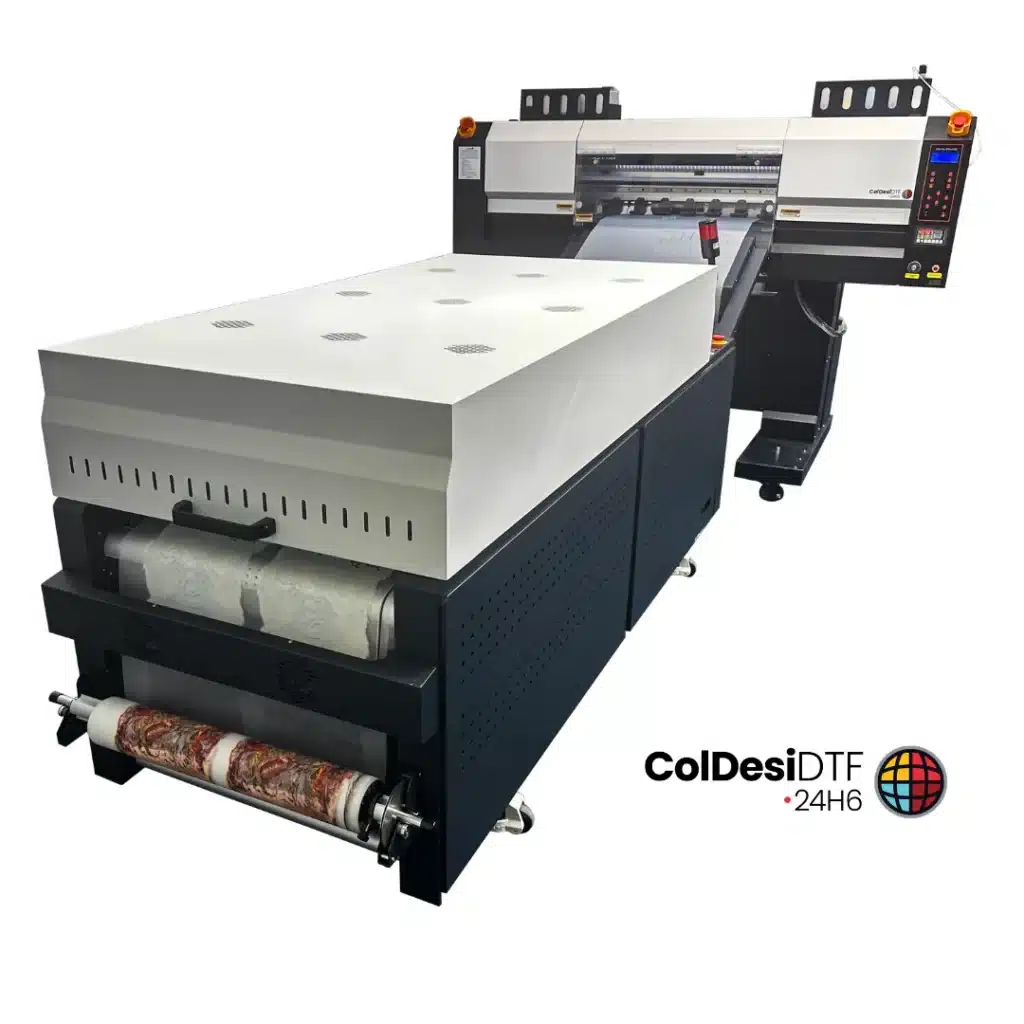
Whenever possible, start with original design files. Vector logos and high-resolution images provide greater flexibility than screenshots or compressed website graphics. If a customer supplies poor-quality artwork, request a better source file before production.
Step 4: Understand Vector and Raster Requirements
Use vector graphics for logos, typography, and scalable illustrations when practical. Use sufficiently high-resolution raster artwork for photographs and complex designs.
Remember that converting a file to a different format does not automatically improve the underlying artwork.
Step 5: Prepare Colors for the Printing Process
Confirm the color requirements of the specific printer and RIP workflow. Use proper color profiles when available and avoid relying entirely on-screen appearance.
For critical colors, request a physical print sample.
Step 6: Check Transparency, Fine Details, and Fonts
Inspect the artwork closely. Look for unwanted background pixels, partially transparent edges, thin lines, and text that may become unreadable at the finished size.
For screen printing, confirm that the artwork can be separated and registered using the intended production method.
Step 7: Export the Correct File Format
Different production workflows require different file types. A DTF transfer provider might request a high-resolution PNG with a transparent background.
A screen printer might prefer editable vector artwork for preparing color separations. Always confirm the specifications before exporting the final file.
ColDesi gives an example of specific production requirements in its “Gang Sheet Instructions,” including artwork sizing, transparency, resolution, and file preparation.
Step 8: Review and Test Before Full Production
Inspect the final file at its intended physical dimensions. Check spelling, placement, color, and design details. When possible, print a sample before approving a larger production run.
A physical test can reveal issues that aren’t obvious on a computer screen, including fabric interactions, color differences, and details that are too small to reproduce reliably.
Why Graphic Designers in the Customization Industry Need Print Production Knowledge
As customization businesses expand their capabilities, graphic designers are increasingly expected to prepare artwork for multiple printing methods.
A single customer might request the same company logo on employee t-shirts, promotional bags, team apparel, and other branded products.
The designer must understand how to adapt the artwork to varied sizes, materials, and production processes.
This creates an opportunity for designers who understand both creative design and print production.
They can help customization businesses:
- Reduce artwork revisions and production errors
- Improve consistency across customer orders
- Prepare files for multiple printing technologies
- Communicate more effectively with production teams
- Deliver professional results with less wasted material
- Improve the overall customer experience
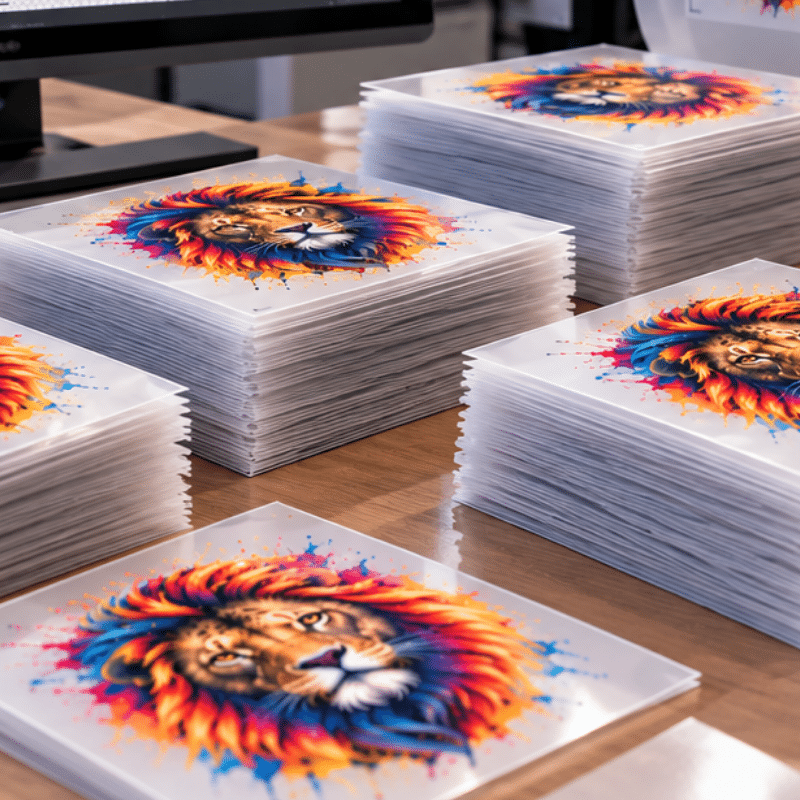
For screen printing businesses adding DTF technology, these skills are particularly valuable.
The shop may already have experienced designers who understand traditional screen-printing artwork. Learning the additional requirements of DTF allows those designers to support more production options without sacrificing quality.
Print production knowledge also makes designers more valuable to the businesses they serve.
A designer who understands how artwork behaves on the finished product can predict problems before they reach the production floor.
Why ColDesi Emphasizes Artwork Quality as Part of the Printing Process
This combination of equipment knowledge and artwork ability helps businesses address print quality from the beginning of the production process.
For customization businesses that don’t have an experienced print designer on staff, professional artwork preparation can help reduce the time spent troubleshooting files and correcting avoidable production problems.
Learn more about ColDesi Graphics Services and how production-ready artwork can help your business.
That’s why choosing a DTF partner should involve more than comparing printer specifications. The conversations RJ has with businesses across the country often begin with questions rather than equipment recommendations.
- What are you outsourcing every month?
- What types of orders are you turning away?
- Where is production slowing down?
- How often do you get short-run, high-color requests?
- How much are you spending on outsourced transfers?
- What would faster turnaround allow your sales team to offer?
- What happens if your volume doubles?
Those questions matter because the best DTF solution isn’t simply the machine with the biggest specification.
It’s the solution that helps a business become more productive, keep more profitable work, serve its customers better, and create room for growth. That’s where ColDesi’s experience matters.
Our team works with businesses at virtually every stage of DTF production, from companies evaluating their first commercial printer to high-volume operations looking for some of the most advanced DTF production technology available today.
Frequently Asked Questions About Graphic Design for Print
What is the difference between graphic design for print and digital design?
Digital design focuses on artwork displayed on screens, while graphic design for print prepares artwork for physical reproduction. Print design requires additional consideration of resolution, physical dimensions, color management, materials, and printing methods.
What resolution should artwork be for DTF printing?
For most commercial DTF applications, approximately 300 PPI at the final print size is a recommended starting point for raster artwork. Always follow the requirements of the specific printer or transfer provider.
Is vector artwork better than PNG for printing?
Vector artwork is often preferable for logos, text, and scalable graphics because it can be resized without losing sharpness. High-resolution PNG files can also produce excellent prints, particularly for detailed artwork and DTF transfers.
Can I use a logo downloaded from a website for printing?
Possibly. Website graphics are often designed for digital display rather than physical printing. Check the image’s actual pixel dimensions and intended print size before using it. Request original vector artwork when possible.
Why does my design look blurry when printed on a t-shirt?
Blurry prints can result from insufficient artwork resolution, excessive enlargement, or other production factors. Start by inspecting the original artwork at its intended print size.
Should DTF artwork be RGB or CMYK?
It depends on the printer and RIP workflow. Some DTF systems accept RGB artwork and handle color conversion during production. Always follow the specific artwork requirements of the equipment or transfer provider.
Can the same artwork be used for DTF and screen printing?
Yes, the same original design can often be adapted for both methods. However, screen printing may require color separations, trapping, and halftone adjustments, while DTF printing has its own requirements for transparency, white ink, and file preparation.
Can a high-quality printer fix low-resolution artwork?
No. A printer cannot recreate original image detail that is missing from the source file. Software may improve the appearance of some images, but it cannot reliably recover all lost details. Starting with high-quality artwork is the best approach.
What software is best for creating print-ready artwork?
Adobe Illustrator, Adobe Photoshop, CorelDRAW, and other professional design applications can be used to prepare artwork for printing. The most important consideration is understanding the output requirements and using the software correctly.
Why is print-ready artwork important for customization businesses?
Print-ready artwork helps reduce errors, material waste, production delays, and inconsistent results. It allows printing equipment to reproduce designs more reliably and helps businesses keep professional quality across customer orders.
Great Print Quality Starts Before You Press Print
Graphic design for print is more than a technical skill. It’s an essential part of producing professional custom apparel and branded merchandise.
A graphic that looks beautiful on a computer screen is only the beginning. To create exceptional printed products, designers must understand resolution, file formats, color reproduction, artwork dimensions, and the requirements of the printing process.
For businesses using DTF printing, screen printing, and other customization technologies, this knowledge can make the difference between a design that simply looks good and one that produces consistently professional results.
At ColDesi, we believe successful customization starts with the right combination of artwork, equipment, training, and production knowledge.
Because great printing doesn’t start at the printer. It starts with great artwork.
Fill out the form below to connect with our team and learn how ColDesi can help you achieve better print quality.